More on Photo Art…
26th May 2026
As a follow on from my last post I will cover a number of different apps that produce photo art. In doing so I make a distinction between those that auto-convert photographs and digital art where there is more user input. I start with the original photograph which has been enhanced in Adobe Lightroom and Photoshop as per my normal photo editing process:
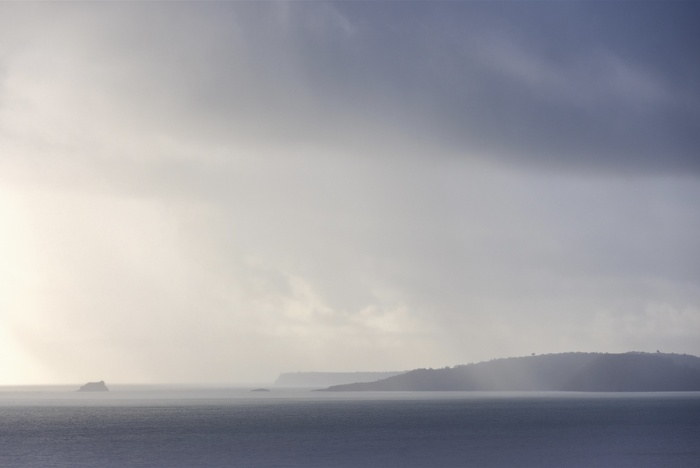
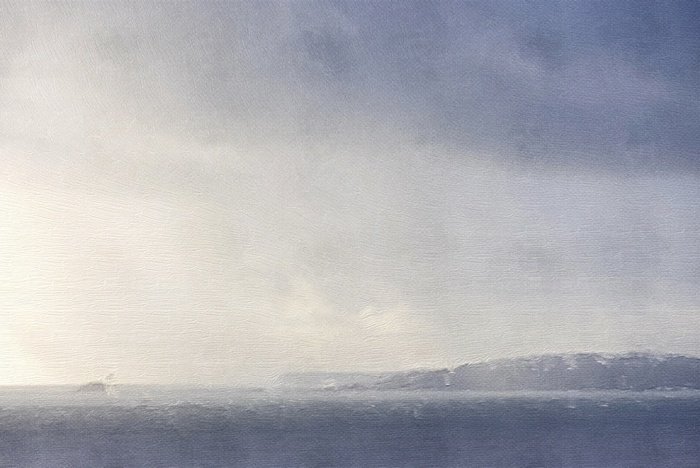
Whilst editing in Photoshop I can use an AI Generative Fill filter and prompt an ‘oil painting’. For example using the above photograph, AI created following image. I like the colour interpretation and the brush marks although the result has a smooth digital finish (I could add a canvas texture to this image which may enhance the brush stokes). There is no skill in creating this other than taking the photo in the first place and choosing from a variety of AI generated options. As a result, I reserve judgement about using AI generation to create this type of art, apart from a learning and creative ideas perspective:
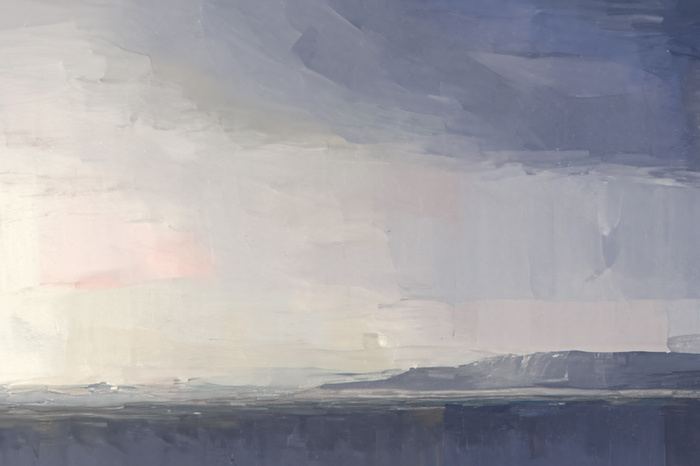
Another app I use for ideas is Brushstokes. I can select from various filters to produce a piece of photo art. I find it useful when trying to simplify complex scenes:
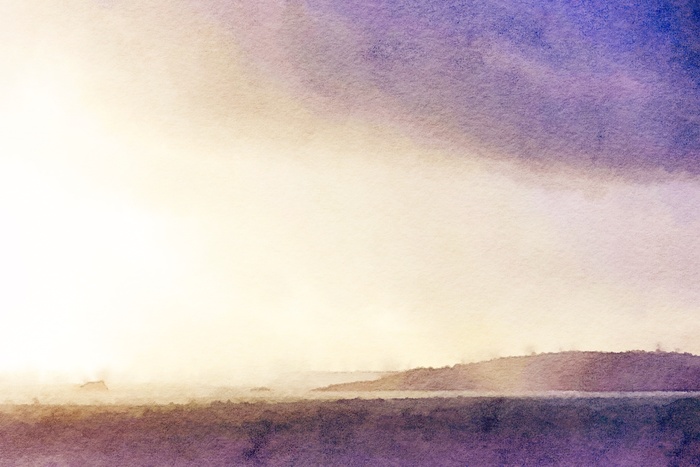
For watercolour inspiration I like to use Waterlogue. Again there are various options to choose from which includes colour filters. In this example, I can see how complimentary colours can be used to paint the scene:
All the above I class as auto-conversion. The next examples have more input from me and turns photo-art into digital art.
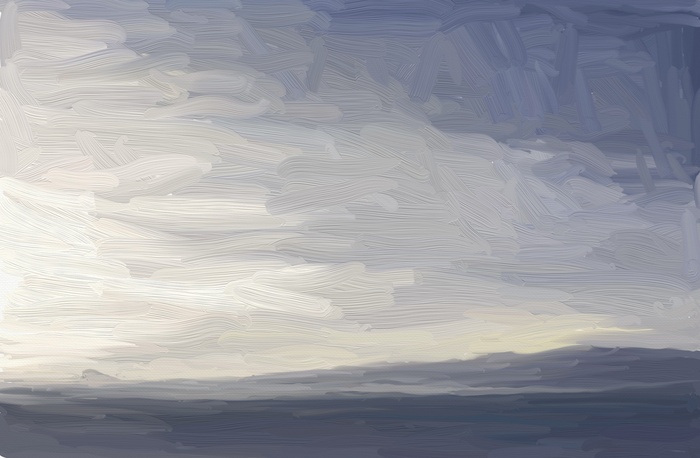
A number of apps allow me to sample the photograph to create a piece of art. For this example I used the Artrage app on the iPad. A thick oil brush was selected and loosely applied to demonstrate how this works. Each stroke selects colours from the underlying photograph and depending on the direction and length of the brush stroke, it will blend with other strokes on the canvas. There is an element of user skill here to ‘move the paint’ and the result can be refined by changing brushes, varying the brush size and giving it more time - I spent only 10 minutes completing this:
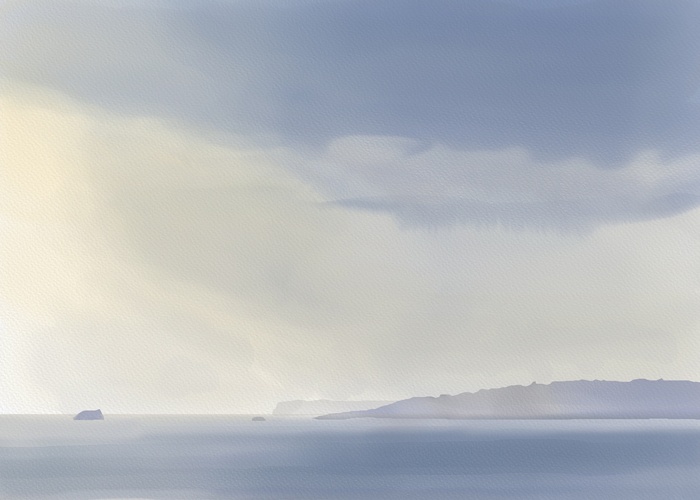
The final example simulates traditional painting starting with a blank canvas, or in this case a blank sheet of digital watercolour in Rebelle 8. I am in full control of the tools and no auto process is used*. In this way, I interpret the reference as I would if I were using paint and water.
All digital art included in this blog is produced in this way using various apps. For example, Procreate is the most frequently used on the iPad and I currently use Rebelle 8 on my desktop:
*For the purposes of the blog I have not included the functionality of the program as an auto-process. For example, how colours blend on screen is an auto process governed by the app. I can watch how the app applies this function and halt or redo the blending according to the finish required. In this way, I would say I have some control as a user and this is broadly the same as controlling water with actual watercolour…without a redo function, of course!
Whilst editing in Photoshop I can use an AI Generative Fill filter and prompt an ‘oil painting’. For example using the above photograph, AI created following image. I like the colour interpretation and the brush marks although the result has a smooth digital finish (I could add a canvas texture to this image which may enhance the brush stokes). There is no skill in creating this other than taking the photo in the first place and choosing from a variety of AI generated options. As a result, I reserve judgement about using AI generation to create this type of art, apart from a learning and creative ideas perspective:
Another app I use for ideas is Brushstokes. I can select from various filters to produce a piece of photo art. I find it useful when trying to simplify complex scenes:
For watercolour inspiration I like to use Waterlogue. Again there are various options to choose from which includes colour filters. In this example, I can see how complimentary colours can be used to paint the scene:
All the above I class as auto-conversion. The next examples have more input from me and turns photo-art into digital art.
A number of apps allow me to sample the photograph to create a piece of art. For this example I used the Artrage app on the iPad. A thick oil brush was selected and loosely applied to demonstrate how this works. Each stroke selects colours from the underlying photograph and depending on the direction and length of the brush stroke, it will blend with other strokes on the canvas. There is an element of user skill here to ‘move the paint’ and the result can be refined by changing brushes, varying the brush size and giving it more time - I spent only 10 minutes completing this:
The final example simulates traditional painting starting with a blank canvas, or in this case a blank sheet of digital watercolour in Rebelle 8. I am in full control of the tools and no auto process is used*. In this way, I interpret the reference as I would if I were using paint and water.
All digital art included in this blog is produced in this way using various apps. For example, Procreate is the most frequently used on the iPad and I currently use Rebelle 8 on my desktop:
*For the purposes of the blog I have not included the functionality of the program as an auto-process. For example, how colours blend on screen is an auto process governed by the app. I can watch how the app applies this function and halt or redo the blending according to the finish required. In this way, I would say I have some control as a user and this is broadly the same as controlling water with actual watercolour…without a redo function, of course!